
A website accessibility audit tests your site against WCAG standards to find where people with disabilities hit barriers, whether that’s a form they can’t submit or text they can’t read. For Alberta service and trades businesses, this protects against legal risk and recovers leads lost to poor design. This guide covers what an audit checks, why WCAG compliance matters in Canada, and how to fix what you find.
Key Takeaways
A website accessibility audit tests your site against WCAG criteria to uncover barriers that stop users with disabilities from browsing, reading, or submitting forms.
Canadian businesses face legal exposure through the Accessible Canada Act, Ontario’s AODA, and provincial human rights protections in Alberta and BC, even without site-specific legislation.
WCAG rests on four principles: Perceivable, Operable, Understandable, and Robust, often shortened to POUR.
Automated scanners catch roughly 25% to 40% of real issues; manual and user testing find the rest.
Partnering with an experienced auditor turns compliance into a stronger, more profitable website rather than a one-time checkbox.
Table of Contents
- What Is a Website Accessibility Audit?
- Why Does WCAG Compliance Matter in Canada?
- Understanding the WCAG 2.1 Standards (POUR Principles)
- How Is a Website Accessibility Audit Conducted?
- What Happens After the Audit? Remediation and Ongoing Maintenance
- Why Work With a Professional WCAG Compliance Auditor
- The Takeaway
- Frequently Asked Questions
What Is a Website Accessibility Audit?
A website accessibility audit is a structured review that tests every page, form, and interactive element against the Web Content Accessibility Guidelines to find where people with disabilities get blocked. Running one means checking colour contrast, alt text, keyboard navigation, heading structure, and form labels against WCAG 2.1 criteria, then documenting exactly which pages fail and why. For service, trades, and industrial businesses, this matters more than it might first appear, because these sites lean heavily on project photos, spec sheets, quote forms, and booking tools, all of which can quietly exclude visitors who use screen readers or navigate without a mouse.
A thorough audit doesn’t just flag technical errors; it explains how a real visitor, say someone with low vision trying to read a pricing page, actually experiences the barrier. That context is what turns a list of code violations into a practical roadmap your web team or marketing partner can act on.
Think of the audit as a home inspection for your website: it won’t fix anything by itself, but it tells you precisely what needs attention before problems turn into lost leads.
Who Needs an ADA Compliance Audit or WCAG Audit
Any organization with 50 or more employees operating in Ontario falls under AODA’s WCAG 2.0 Level AA requirement, and federally regulated businesses must meet Accessible Canada Act standards. But headcount isn’t the real test. If your site generates leads through contact forms, booking tools, or project portfolios, an ADA compliance audit protects revenue no matter your size.
Why Does WCAG Compliance Matter in Canada?
WCAG compliance matters in Canada because the legal net stretches well past Ontario, and ignoring it puts revenue at risk long before a lawsuit ever arrives. The Accessible Canada Act sets federal requirements for organizations under federal jurisdiction, while Ontario’s AODA requires WCAG 2.0 Level AA for most private organizations with 50 or more staff. Alberta, British Columbia, and Nova Scotia have their own accessibility standards and human rights protections, and Canadian courts have repeatedly treated an inaccessible website as a form of discrimination, regardless of whether province-specific legislation exists.
That means an Alberta-based contractor or industrial supplier isn’t automatically exempt just because Alberta’s rules are less detailed than Ontario’s. Beyond the legal angle, WCAG compliance is simply good business. Roughly one in five Canadians, about 22% of the population, lives with a disability that can affect how they use the web, according to Statistics Canada’s national disability survey data, representing a market segment many companies unintentionally shut out through poor design choices.
Accessible sites also tend to rank better, since many WCAG practices, such as clean heading structure, descriptive links, and fast-loading pages, overlap directly with what search engines reward, a pattern highlighted in ongoing web accessibility statistics tracking annual scan data across millions of homepages. Put together, a proper website accessibility audit protects you from complaints while opening the door to more qualified leads and stronger organic visibility.
What Happens if You Ignore Compliance
Ignoring accessibility issues invites human rights complaints, and settlements plus legal fees often cost far more than proactive fixes would have, a risk underscored by data showing 94.8% of websites still fail basic accessibility checks. There’s reputational fallout too, since publicized complaints damage the trust that service businesses rely on to win contracts. Meanwhile, every excluded visitor, roughly one in four Canadians, is a lead you never even see.
Understanding the WCAG 2.1 Standards (POUR Principles)
WCAG 2.1 compliance means a website satisfies four core principles set by the World Wide Web Consortium, remembered by the acronym POUR:
Perceivable information is presented in ways any visitor can sense, through readable contrast, text alternatives for images, and captions on video, so a colour-blind user or someone who is deaf still gets the full message.
Operable every function works from a keyboard alone, with no keyboard traps and clearly visible focus indicators, which matters for visitors who cannot use a mouse due to injury, tremor, or permanent motor disability.
Understandable content uses plain language, consistent navigation, and error messages that explain what went wrong and how to fix it, rather than a vague red asterisk next to a form field.
Robust code works correctly with screen readers like NVDA and JAWS, now and as assistive technology keeps changing, which depends on clean HTML rather than styled text pretending to be a heading.
Each principle gets tested at three conformance levels, A, AA, and AAA, with AA representing the level most Canadian legislation and court rulings point to as the reasonable standard. Level AAA exists but targets very specific populations and is rarely required in full for a commercial website. For a Canadian service or trades company, treating WCAG 2.1 Level AA as your practical target keeps you aligned with AODA and the Accessible Canada Act without chasing requirements that rarely apply to your audience.
WCAG Conformance Levels at a Glance
Here’s a quick way to see how the three conformance levels differ and which one Canadian businesses should aim for in practice.
| Level | Who It’s For | Typical Requirements | Canadian Relevance |
|---|---|---|---|
| A | Baseline accessibility | Alt text, keyboard access, no flashing content | Legal floor in some jurisdictions |
| AA | Broadest range of disabilities | 4.5:1 contrast, captions, consistent navigation | Standard referenced by AODA and most provincial policy |
| AAA | Narrow, specialized needs | Sign language, extended audio descriptions | Rarely mandated for business sites |
How Is a Website Accessibility Audit Conducted?
A website accessibility audit is conducted by combining automated scanning with hands-on manual testing, since neither approach alone tells the whole story. Automated tools such as WAVE, Axe, and Google’s Lighthouse crawl your pages in minutes, flagging missing alt text, poor colour contrast, unlabelled form fields, and broken heading hierarchies at scale.
These tools are fast and useful for a first pass, but research consistently shows automated scanners catch somewhere between 25% and 40% of real accessibility problems, a gap documented in recent state of web accessibility research, meaning most of what actually blocks a disabled visitor slips past them entirely. That’s why a genuine WCAG audit adds manual testing on top, where an auditor tabs through every page keyboard navigation testing to check that nothing traps focus behind a mouse-only interaction.
Screen reader testing, using tools like NVDA or JAWS, confirms whether a blind visitor hears your navigation menu, form labels, and error messages in an order that makes sense, rather than a jumble of unlabelled buttons. Manual testers also judge things automation can’t, like whether an alt text description is genuinely useful or just technically present, and whether your content reads clearly for someone with a cognitive disability.
Some organizations go further and bring in actual users with disabilities to interact with the site directly, an approach reflected in a user cum expert judgement model that combines expert review with real user feedback to produce the most honest picture of where real friction lives.
For service and trades businesses, the audit should also account for scope, deciding whether to review the entire site or focus first on the pages that drive revenue, like quote forms, service pages, and project galleries. These are the pages where a barrier costs you a lead rather than just a page view.
Key Areas Every Audit Should Cover


A thorough audit works through several categories of your site rather than treating accessibility as one generic checkbox. colour contrast standards gets measured against WCAG’s minimum ratio of 4.5:1 for normal text, since grey-on-white text that looks fine to one visitor can be unreadable to another. Alt text on every meaningful image, heading order from H1 down through H6, and link text that describes its destination all get checked for quality, not just presence.
The following areas typically make up the core of a proper review, and each one covers several related checks at once rather than a single isolated item.
Forms and buttons get checked to confirm every field has a proper label, error messages name the specific problem, and every control still works using a keyboard alone without a mouse.
Keyboard traps get tested for, since a visitor can otherwise get stuck on a menu or widget and never manage to tab back out of it.
PDF documents, spec sheets, and downloadable forms get reviewed too, since these are often forgotten but remain just as subject to WCAG requirements as the web pages hosting them.
Common Issues Audits Typically Uncover
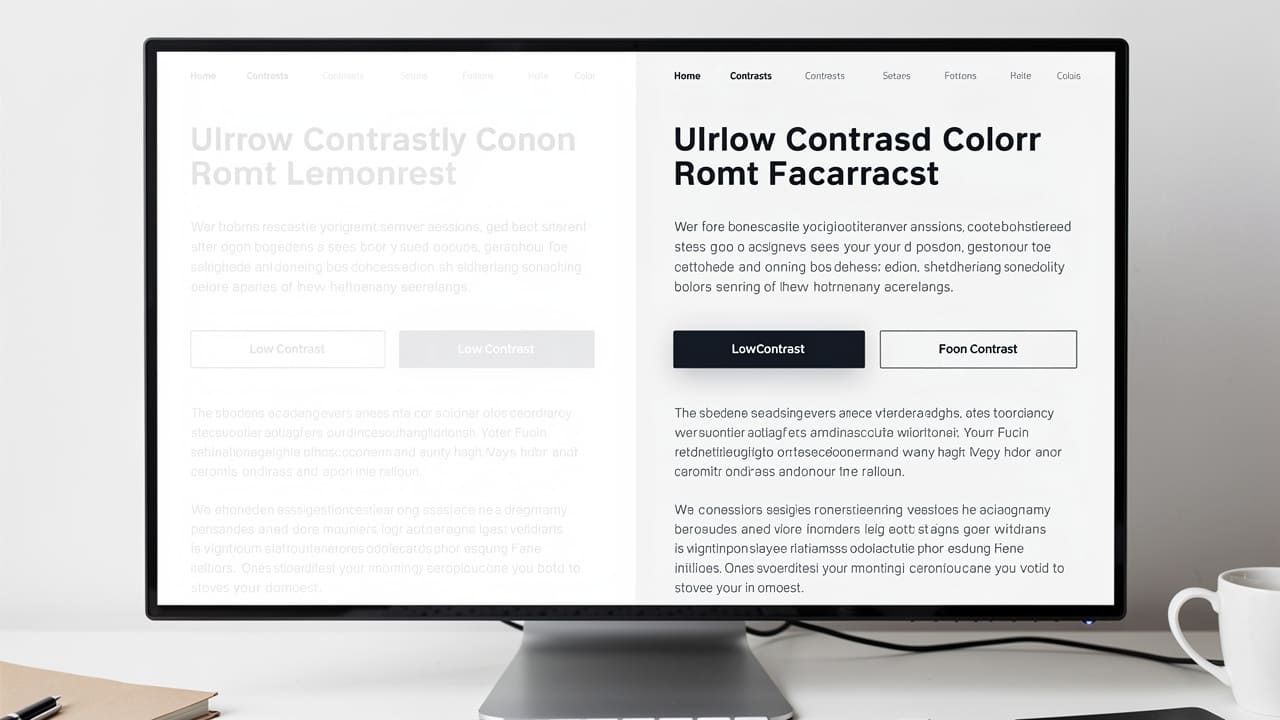
Certain problems show up again and again once an audit gets underway. Vague or missing alt text on portfolio and project photos leaves screen reader users guessing what a job site image actually shows. Low-contrast text in headers and buttons, broken keyboard navigation, and unlabelled form fields round out the most common findings across trades and industrial websites.
What Happens After the Audit? Remediation and Ongoing Maintenance
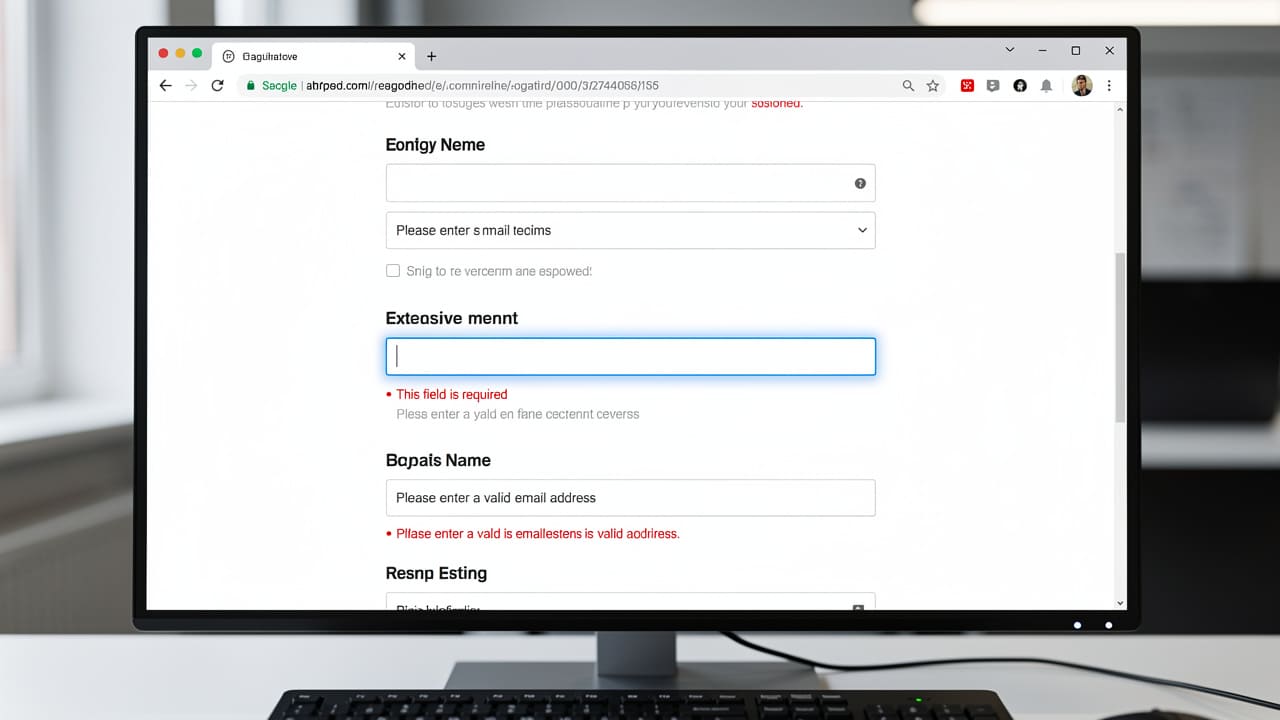
Once a website accessibility audit wraps up, the real work shifts to remediation, fixing what the audit found in an order that suits your budget and timeline. Prioritization usually starts with barriers affecting the most visitors or blocking core functions entirely, like a quote form that can’t be submitted by keyboard, ahead of smaller issues that inconvenience fewer people.
Some fixes are quick, handled by whoever manages your content, while others require a developer to rework code, restructure headings, or rebuild a broken form. It helps to treat remediation less as a single project and more as a rolling process, since new pages and photos get added constantly, and each one can introduce a fresh accessibility gap if nobody’s watching for it.
That’s why ongoing maintenance matters as much as the initial fix: a re-audit after any major redesign, periodic spot checks between full audits, and basic training for whoever writes alt text or builds forms all keep compliance from quietly slipping backward. Businesses that treat accessibility as a one-time project often find themselves back where they started within a year, because a new website theme, plugin, or campaign reintroduced the same barriers the original audit removed.
Building accessibility into your regular maintenance routine, rather than bolting it on after the fact, is what actually keeps a site compliant over time. If you want a clearer picture of where your own site stands, contact us to discuss a plan built around your pages and your budget.
Quick Wins vs Development Fixes
Not every fix costs the same in time or money.
Quick wins include writing better alt text, rewriting vague link text like “click here,” and adjusting colour contrast on buttons and headers, often completed within days.
Development fixes run deeper, correcting heading hierarchy, associating form labels properly, restoring visible keyboard focus, and adding ARIA roles, typically requiring a developer’s involvement.
Why Work With a Professional WCAG Compliance Auditor

Bringing in a professional WCAG compliance auditor saves the guesswork of trying to interpret technical guidelines while running a business day to day. Cheap website providers and generic template builders often apply the same surface-level fixes to every client, missing the specific pages that matter most to a construction company or industrial supplier, like technical spec sheets, equipment rental forms, or multi-step quote requests. A generic ADA compliance audit might flag a missing alt tag and call it done, without ever testing whether your booking tool actually works for someone using a screen reader, an oversight recent research on AI agent accessibility testing suggests is common when evaluation tools are used without deeper scrutiny.
Cutting Edge Digital Marketing approaches accessibility differently, building it into the technical foundation of every website design and development project rather than treating it as an afterthought bolted onto a finished site. Because the team works specifically with construction, trades, and industrial website design across Alberta and Western Canada, it understands the realities of these industries, from project portfolios and equipment listings to the quote forms that drive most of a service business’s leads.
Rather than handing over a compliance checklist and walking away, this approach ties accessibility improvements directly to the same goals driving the rest of your marketing, meaning better usability, stronger SEO performance, and more qualified leads reaching your team. That’s the difference between a one-size-fits-all audit and a strategic partner who treats your website as a long-term growth asset.
What to Look for in an ADA Compliance Auditor
Not all auditors offer the same depth of work. Consider these points when choosing one:
Look for a provider combining automated scanning with manual testing and, ideally, user testing, since automation alone misses most real barriers.
Confirm they understand Canadian regulations and your specific industry, whether that’s trades, industrial, or professional services.
Make sure they connect accessibility work to business results like leads and rankings, not just a checkbox.
The Takeaway
A website accessibility audit does more than protect you from legal risk, though reducing that exposure matters given how Canadian human rights law treats digital access. It also opens your site to the roughly one in four Canadians living with a disability, tightens up the same technical elements search engines reward, and removes friction from every quote form, booking tool, and portfolio page your leads depend on.
If you’re unsure where your site currently stands, start with a proper audit rather than guessing, and treat whatever it finds as a roadmap rather than a one-time scramble. Partnering with an experienced team like Cutting Edge Digital Marketing turns that roadmap into a built to convert visitors visitors and hold up to scrutiny, for every person who lands on it. Learn more about how a WCAG audit fits into your broader marketing plan.
Frequently Asked Questions
How much does a website accessibility audit cost?
Cost depends on your site’s size and complexity. A thorough audit combining automated and manual testing typically takes 40 to 80 hours of professional time, costing more than a free automated scan but delivering far more accurate, actionable results for your team to work from.
How long does it take to become WCAG compliant?
Most businesses complete an initial audit within a few weeks, followed by phased remediation. Quick wins like alt text and contrast fixes happen first, while deeper development changes, such as form and heading fixes, typically roll out over the following months.
Is WCAG 2.1 Level AA legally required in Canada?
Requirements vary by province and organization size, but WCAG 2.1 Level AA is the benchmark referenced by Ontario’s AODA, the Accessible Canada Act, and most human rights rulings, making it the practical standard for Canadian businesses regardless of the exact legal mandate that applies.
Can I audit my own website for free?
Free tools like WAVE and Lighthouse catch common issues, such as missing alt text or low contrast, giving you a useful starting point at no cost. They only identify a fraction of real barriers though, so manual testing by a trained auditor remains necessary for genuine compliance.
Does accessibility compliance help with SEO?
Yes. Many WCAG practices, such as clean heading structure, descriptive alt text, and semantic HTML, are the same elements search engines use to understand and rank your content, so accessibility improvements often boost organic visibility alongside usability for every visitor.
How often should I re-audit my website?
Plan for a full re-audit annually, plus another review after any major redesign or content overhaul. Ongoing monitoring between audits catches new issues introduced by everyday updates before they affect visitors or put your compliance standing at risk again.