
ROI Calculator

Add channels or projects, enter revenue and marketing cost, and optionally conversions. ROI and CPC update automatically as you type. (All processing is local in your browser.)

Channels / Projects Total Revenue Marketing Cost Conversions ROI CPC Remove

Checklist

Revenue From Each Channel

Enter the total revenue generated from Google Ads, Meta Ads, SEO, email marketing, campaigns, or any other project.

Marketing Cost

Add your ad spend, management fees, creative costs, software, or any other direct marketing expense.

Conversions

Enter the number of leads, purchases, bookings, calls, or form submissions generated by each channel.
The Numbers Behind The Calculator

ROI Shows What Is Actually Working

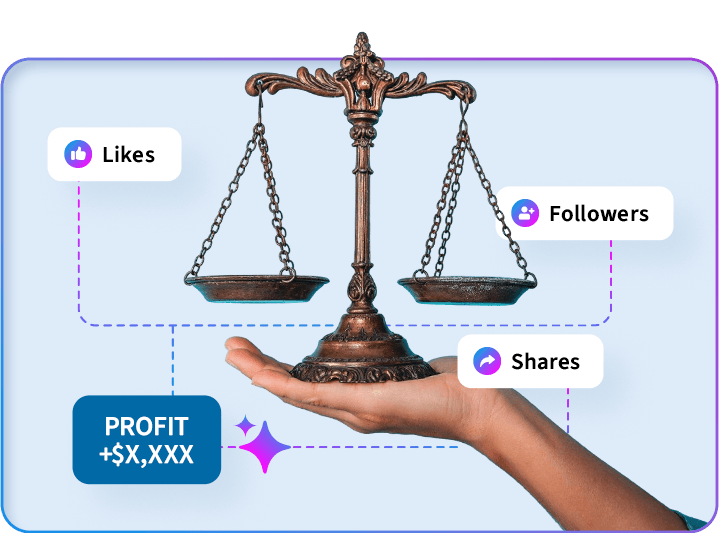
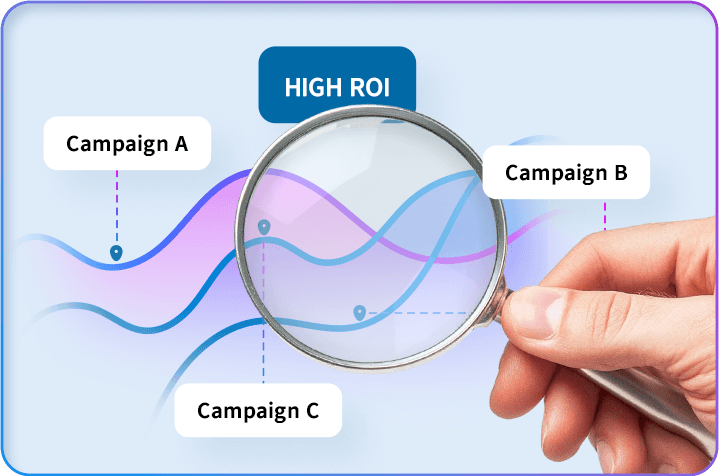
Marketing should not be judged by clicks alone. A campaign can get attention and still lose money. This ROI calculator helps you compare each channel against the money it brought in, so you can see which campaigns are pulling their weight and which ones need work.

The basic formula is simple:

ROI = (Revenue – Marketing Cost) / Marketing Cost × 100

If you spent $1,000 and generated $5,000 in revenue, your return is 400%. If you spent $1,000 and generated $800, you are losing money before overhead is even considered.

CPC Helps You Understand Efficiency

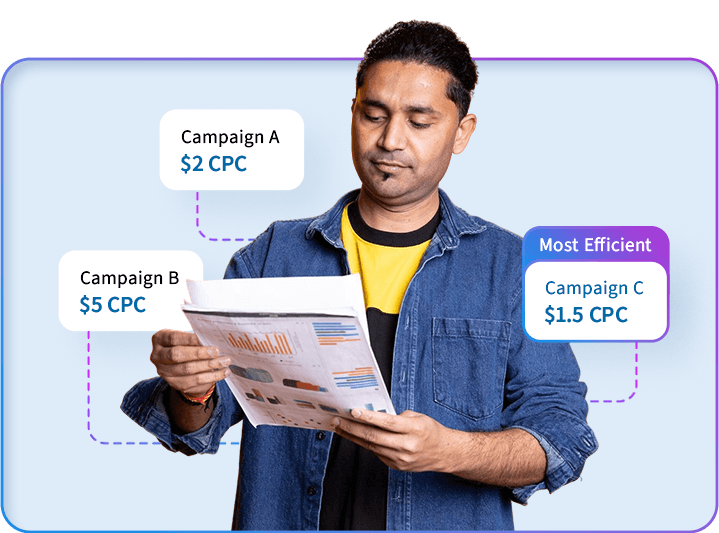
Cost per conversion gives you another layer of clarity. Two campaigns can both be profitable, but one may be far more efficient.

For example, if Google Ads generates leads at $40 each and Meta Ads generates leads at $120 each, that does not automatically mean Google is better. You still need to compare lead quality, close rate, average order value, and lifetime customer value. But CPC gives you a fast starting point.

Profit Matters More Than Vanity Metrics

Clicks, impressions, and engagement are useful, but they do not pay the bills by themselves. The real question is whether your marketing is helping the business grow.

This calculator gives you a simple view of:

  • Total revenue
  • Total marketing cost
  • Profit before overhead
  • ROI percentage
  • Cost per conversion

Use it to compare channels, campaigns, promotions, or monthly marketing performance.

Use This Calculator To Compare Marketing Channels

This tool works well for:

  • Google Ads
  • Meta Ads
  • SEO campaigns
  • Email campaigns
  • Social media campaigns
  • Landing page tests
  • Trade shows or events
  • Print campaigns
  • Video campaigns
  • Website projects

You can also download the results as an Excel file or PDF, making it easier to share with your team, bookkeeper, client, or leadership group.

Make Better Marketing Decisions With Real Numbers

If your marketing feels busy but the numbers are unclear, this calculator gives you a quick way to step back and see what is actually happening.

Use it monthly to compare your campaigns, spot weak channels, and decide where your next dollar should go.

Want Help Improving Your ROI?

Cutting Edge Digital Marketing helps businesses track, test, and improve their marketing performance across SEO, paid ads, websites, content, and reporting.

Find out what your marketing could be doing better.

FAQs

Marketing ROI measures how much revenue your marketing generated compared to how much you spent. It helps you understand whether a campaign, channel, or project was profitable.
Use this formula: (Revenue – Marketing Cost) / Marketing Cost × 100. For example, if you spent $1,000 and generated $5,000 in revenue, your ROI would be 400%.

It depends on your margins, industry, sales cycle, and overhead. A campaign with a lower ROI can still be valuable if it brings in high-quality customers, repeat buyers, or long-term contracts.

Include ad spend, agency fees, creative costs, landing page costs, software, print costs, and any other direct expense tied to the campaign or channel.

Use the revenue directly connected to the campaign or channel you are measuring. This could include sales, booked jobs, closed deals, project revenue, or estimated customer value.
In this calculator, CPC means cost per conversion. It shows how much you spent to generate one conversion, such as a lead, booking, sale, or form submission.
A negative ROI means your marketing cost was higher than the revenue generated. This does not always mean the campaign is a failure, but it does mean you need to review the funnel, offer, targeting, close rate, and customer value.
This calculator uses revenue because it is the easiest number for most businesses to track. For a more accurate financial view, you can use gross profit instead of revenue.
Yes. You can enter each marketing channel or campaign, then download the results as an Excel file or PDF for simple reporting.
Yes. We can help review your website, ads, SEO, tracking, reporting, and conversion paths to find where money is being wasted and where there is room to grow.