
Stop guessing if software is “worth it.” This calculator breaks down labour savings, subscription costs, one-time development, and optional revenue uplift so you can see ROI and payback in plain numbers.
Use this tool to compare your current in-house labour costs against a software solution that reduces hours per employee. If you want to go further, add lead and close-rate assumptions to estimate revenue uplift with recurring retention. Export a clean Excel file or PDF to share with your team.
Estimates only. Results depend on your inputs and assumptions.

Fill in the inputs and click Calculate. Start with the cost-only view, then use the Revenue Uplift section if you want to model lead-driven growth.
Compares in-house labour costs vs software subscription plus reduced labour costs, scaled by employees. Optionally includes revenue uplift from leads.
Unchecked means software cost is organization-wide.
Optional lead-based gross profit uplift. Enter leads and close rate, then deal sizes, recurring mix, retention, gross margin, and conversion lag. One-off profit is added after the lag. Recurring profit is modeled using a retention curve.
Monthly KPIs show steady-state. Horizon totals start after lag.
| Line Item | Monthly | Horizon Total |
|---|---|---|
| Baseline (In-House Labour) | 0.00 | 0.00 |
| Proposed (Software + Reduced Labour) | 0.00 | 0.00 |
| Development (One-Time) | 0.00 | 0.00 |
| Net Savings | 0.00 | 0.00 |
| Line Item | Monthly | Horizon Total |
|---|---|---|
| Baseline (In-House Labour) | 0.00 | 0.00 |
| Proposed (Software + Reduced Labour) | 0.00 | 0.00 |
| Revenue Uplift - One-Off Projects | 0.00 | 0.00 |
| Revenue Uplift - Recurring (Active Subscriptions) | 0.00 | 0.00 |
| Revenue Uplift (Gross Profit) - Total | 0.00 | 0.00 |
| Development (One-Time) | 0.00 | 0.00 |
| Total Net Benefit | 0.00 | 0.00 |
| Month | Active Recurring GP | Gross Adds (Monthly) | Churn | Net Change |
|---|

Convert time spent into a real monthly cost by factoring hourly cost, baseline hours, and number of employees impacted.

See your baseline cost beside the proposed scenario (software plus reduced labour), over the month and across your chosen horizon.

Get payback months and ROI with and without subscription costs, plus optional revenue uplift from leads and recurring retention.
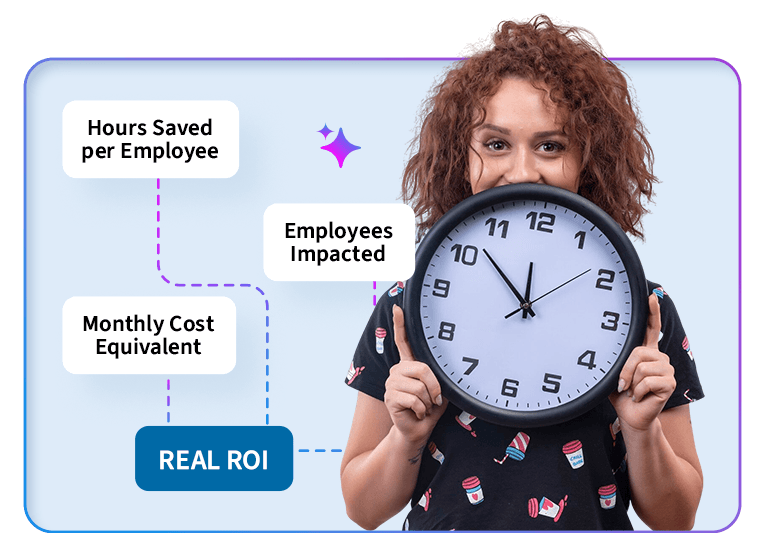
A lot of ROI math falls apart because “time saved” gets treated like a vague benefit. This calculator forces clarity: hours saved per employee, multiplied by the employees impacted, converted into a monthly cost you can actually compare.
Up to 40% of inquiries happen outside regular business hours. Without a solution in place, that’s nearly half your potential leads slipping away while your team is offline. Your AI Receptionist operates around the clock, capturing and engaging every inquiry the moment it comes in — giving you a real edge over competitors that close when the doors do.

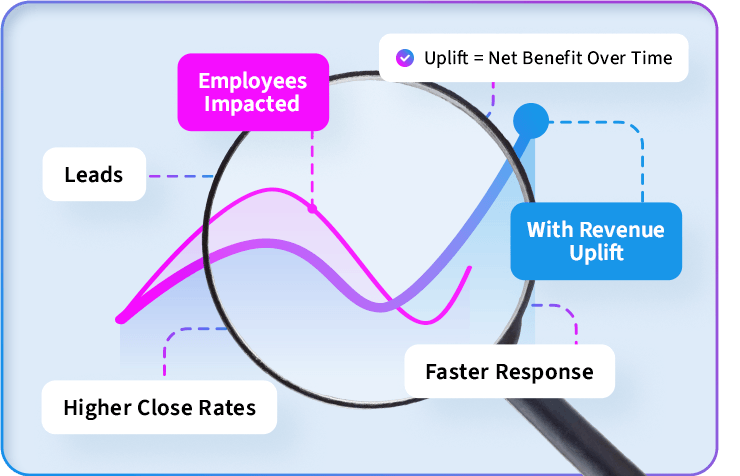
If your software helps generate leads, respond faster, or increase close rates, the upside is not just saving time. The Revenue Uplift section lets you model one-off project profit and monthly recurring profit. Active recurring revenue accounts for retention, and the chart shows cumulative net benefit over time.
If the numbers look good and you want to explore our SaaS offerings, reach out!
Find out what your marketing could be doing better.

It’s built for one decision: is the software worth the cost when you account for labour savings, subscription fees, and optional revenue impact over a realistic timeline?
Use the all-in cost if you can (wage + burden), or use a conservative hourly estimate. The key is consistency. If you understate hourly cost, you understate savings.
It’s the reduction in time spent on the task after using the software. If one employee saves 10 hours per month and 5 employees are impacted, that’s 50 hours per month unlocked.
“ROI (Dev Only)” isolates whether the one-time build pays for itself. “ROI (Incl. Software)” includes subscription costs over the horizon so you can evaluate the full cost of ownership.
No. Cost-only ROI is valid on its own. Revenue uplift is optional if the software is expected to generate leads, increase conversion, or expand recurring revenue.
Recurring uplift models new recurring clients added each month and accounts for average retention so “active recurring” does not grow unrealistically forever.
It’s the delay between getting a lead and actually closing a deal. The calculator applies that lag so you don’t accidentally assume instant revenue.
Yes. You can download an Excel file (formatted) and a PDF file that includes the visible results and chart.
No. It’s a decision-support tool. Use it to model scenarios and then validate assumptions with your actual operations and financials.